For my plugin or theme testing or development, I prefer not to bury the directory several levels deep in the WordPress Studio app’s directories. I’d rather symlink from the development directory into any site on Studio.
For testing during development I prefer the Playground CLI and especially now with the `–auto-mount’ flag. Now I can call the Playground cli directly from the command line out of my development directory and it spins up a WordPress site with my plugin in the works or my theme in the works already installed and activated.
The full command is:
npx @wp-playground/cli server --auto-mountAnd this how it looks in the command line window:

The first time I ran it, I got error messages indicating that my node version is not high enough. I have NVM installed so it’s fairly easy to switch node versions.
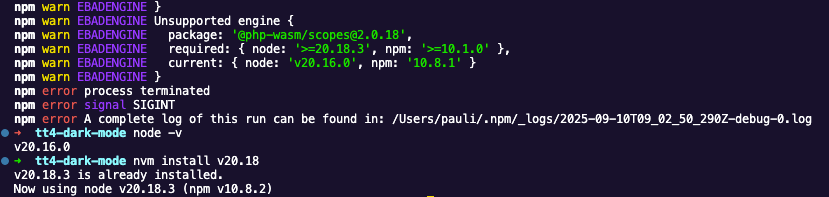
Now that this was take care of. It worked.
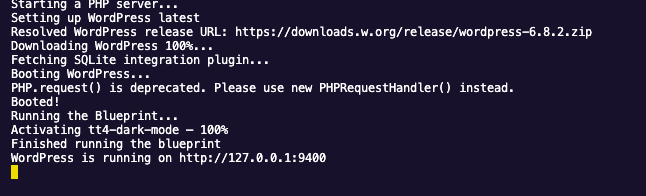
Just in case you need it: To login into your Playground site use admin/password
or you add --login to your command.
This is only the beginning of a Playground CLi adventure. At the documentation site you’ll find the list of Command and Arguments
You can also add a blueprint.json reference to your command:
npx @wp-playground/cli server --auto-mount --blueprint=_blueprint/blueprint.json

Leave a Reply