Site News
All about what’s new on the site. It’s also the default category.
-
We are explorers, adventurers into the new

April 11, 2011 Annual meeting of the Naples Free-Net What a great year for the Naples Free-Net and its volunteers and members. I could talk hours about what we all accomplished. We hope that this little booklet showes a few of the highlights of the poer of Volunteerism, the power of internet technolot and the power of collaboration. Whenever curosity, persistence, perseverfance and the ability to learn and the avility to teach comes together something magical happens: Of course, quie a few of us feel that working or just dealing…
-
Editor Triage Role on WordPress release squad
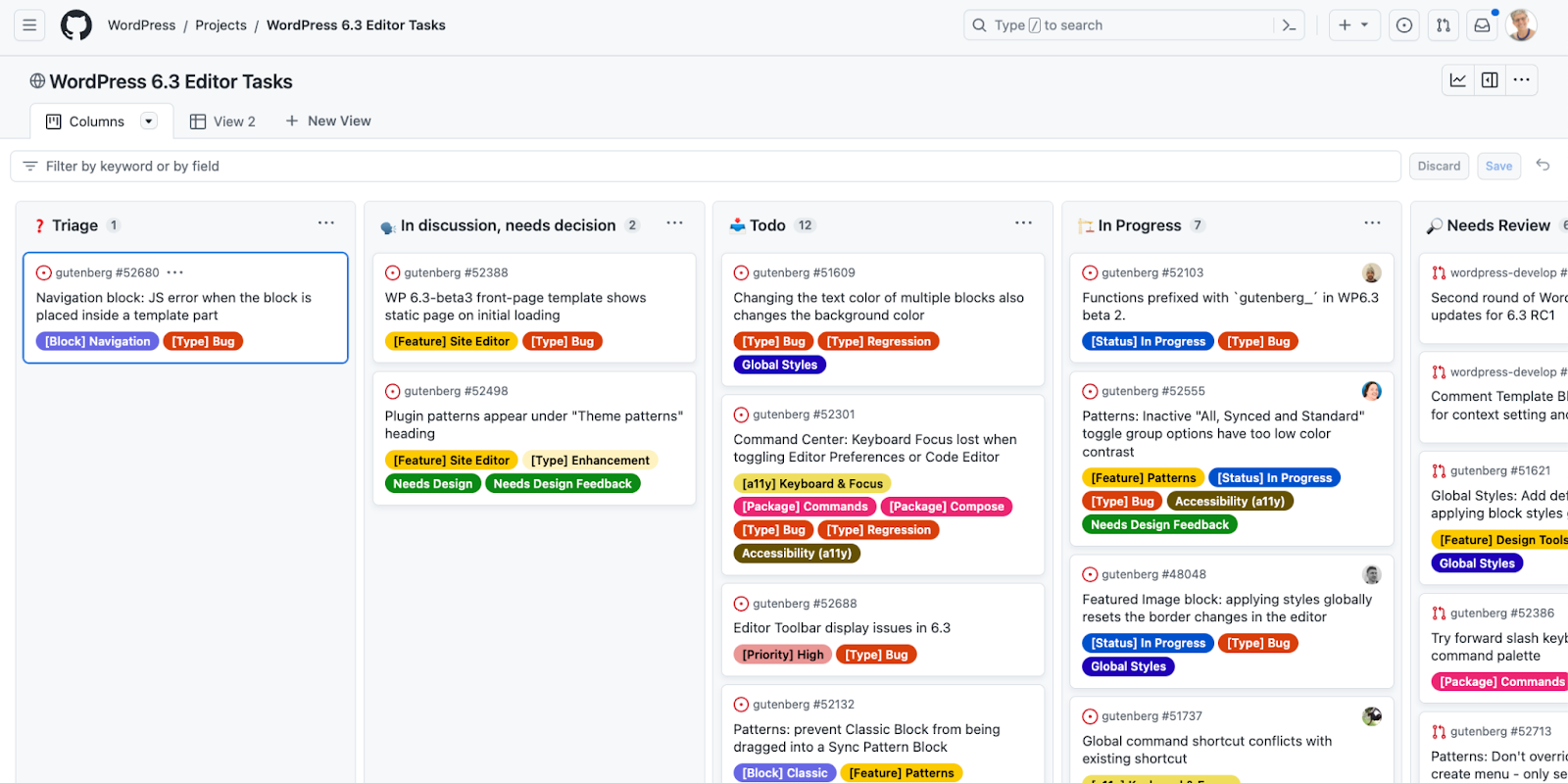
In 2023, I had the privilege to contribute to the WordPress 6.3 release squad on the Editor Triage team. It was my first round of participating and for a while I was quite lost, as to what to do and how to see progress, or what my teammates were working on, so we can coordinate. I started taking notes. I post them on my personal blog, as it is a work in progress. I could be the groundwork for a new Core Handbook page, for now, this is a good…
-
What’s the difference between useSelect and useEntityRecords?
Now that I worked through the tutorial on useEntityRecords I was wondering: What’s the difference in approach between this
-
Chat #5 with ChatGPT
Request: Explain the following code to a programming student: Answer: This code is written in JavaScript and uses the WordPress JavaScript API to retrieve and display a list of pages in the WordPress editor. Let’s break down the code step by step: In summary, this code fetches a list of pages from the WordPress data store using the useSelect hook and then renders the list of pages in the WordPress editor. It shows a loading spinner while the data is being fetched and displays a message if there are no…
-
Pesky Husky
Today on the Gutenberg repo, I tried to commit a small change to an issue template and ran into an error message, shown in a pop-up on VSCode. The git log didn’t show anything different. Husky is a tool that helps with linting commits. It needs to be installed locally as well. The right command is in the package.json file. To fix it type: npm run prepare It’s also updated locally when you run npm install, of course.
-
Cherry-picking during release process of the Gutenberg plugin
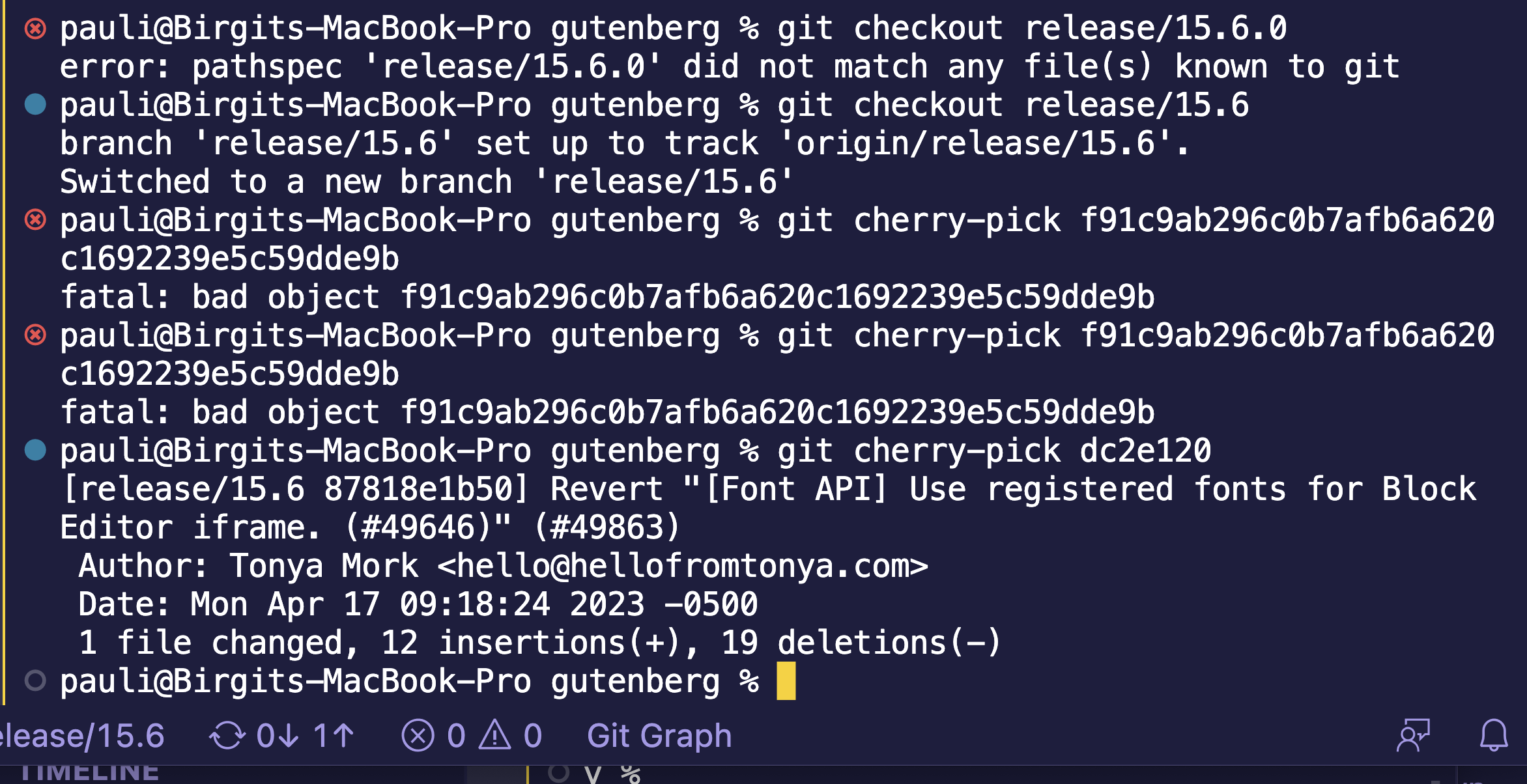
This is a more elaborate tutorial from the sparce release documentation for a first time release lead. It follows the outline of the official release documentation Creating Release Candidate Patches. At any point after the release candidate has been published but before the final stable release, some bugs related to this release might be fixed and committed to trunk. These fixes won’t automatically be incorporated into the final stable release, including them is a manual process. Becoming aware of need to backport to GB RC. There are a couple of ways…
-
Chatting with a Bot and Browser Extension for ChatGPT
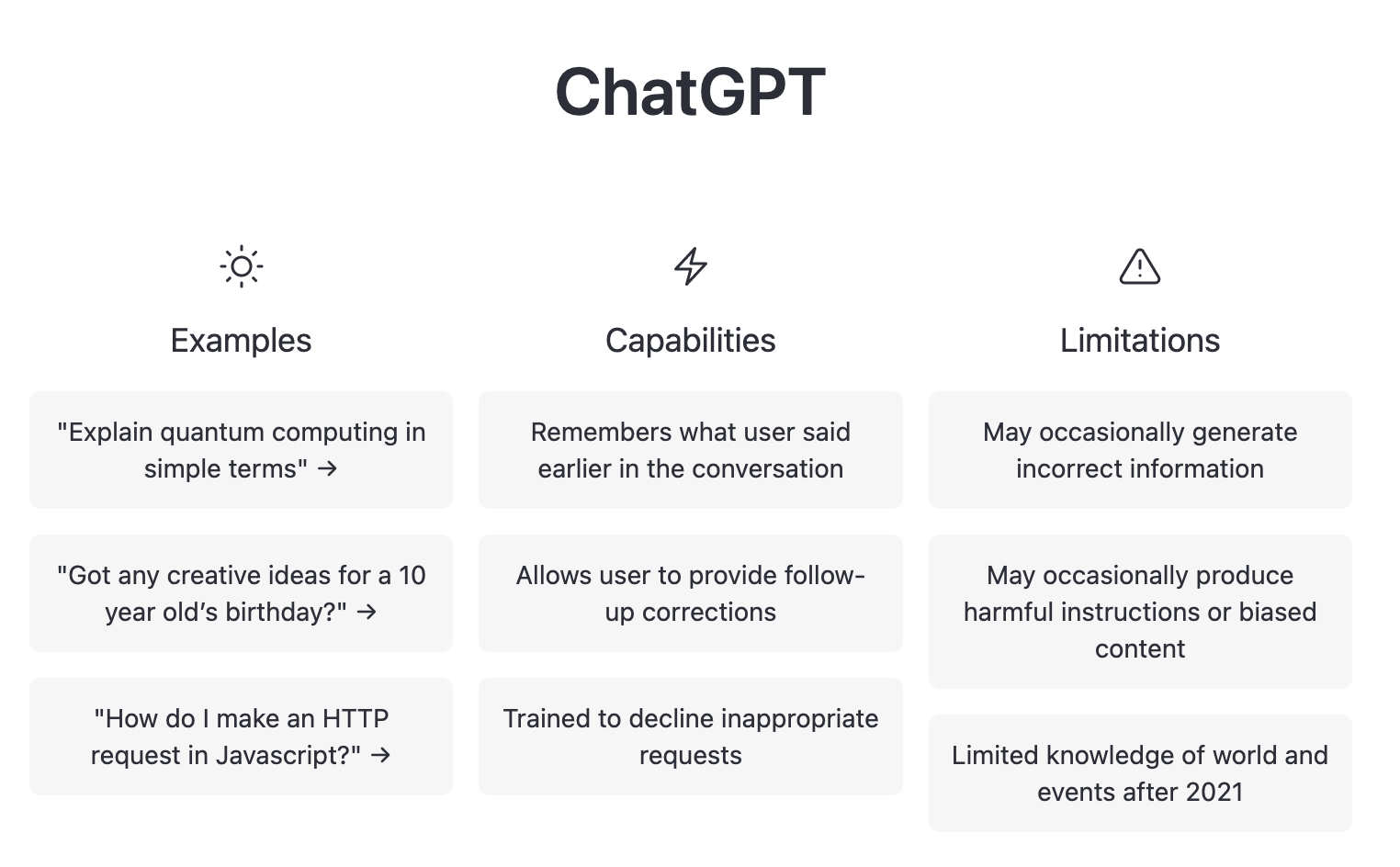
ChatGPT has gotten quite the publicity. Today, I had a chat with it. It wasn’t earth shattering, but helpful. It’s faster and more direct than a Google Search for sure. Read the exchange below. After the chat I added a section about Browser extensions, I have been using a couple of days, and a site where you can find more apps and extensions, that hook you into the ChatGPT AI. Below is the chat via openai.com site. It seemed fairly accurate, but that ‘s not always the case. The AI…
-
JSON to CSV
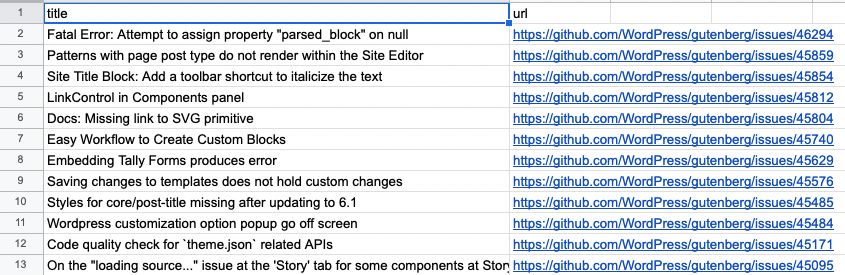
For a report I needed to retrieve all the issues I commented on from GitHub, and then I needed it in a comma-delimited format. The parts: A quick and dirty way for one time use: The steps Use the gh command Find 50 issues I commented on in the Gutenberg Repo sorted by creation date, in json format, show the fields “url” and “title”. Copy in the terminal window in VS Code. gh search issues –commenter bph –repo ‘WordPress/gutenberg’ –sort ‘created’ –limit 50 –json ‘url’,’title’ Copy JSON output I copied…
-
Block editor comes to WordPress Support Forums
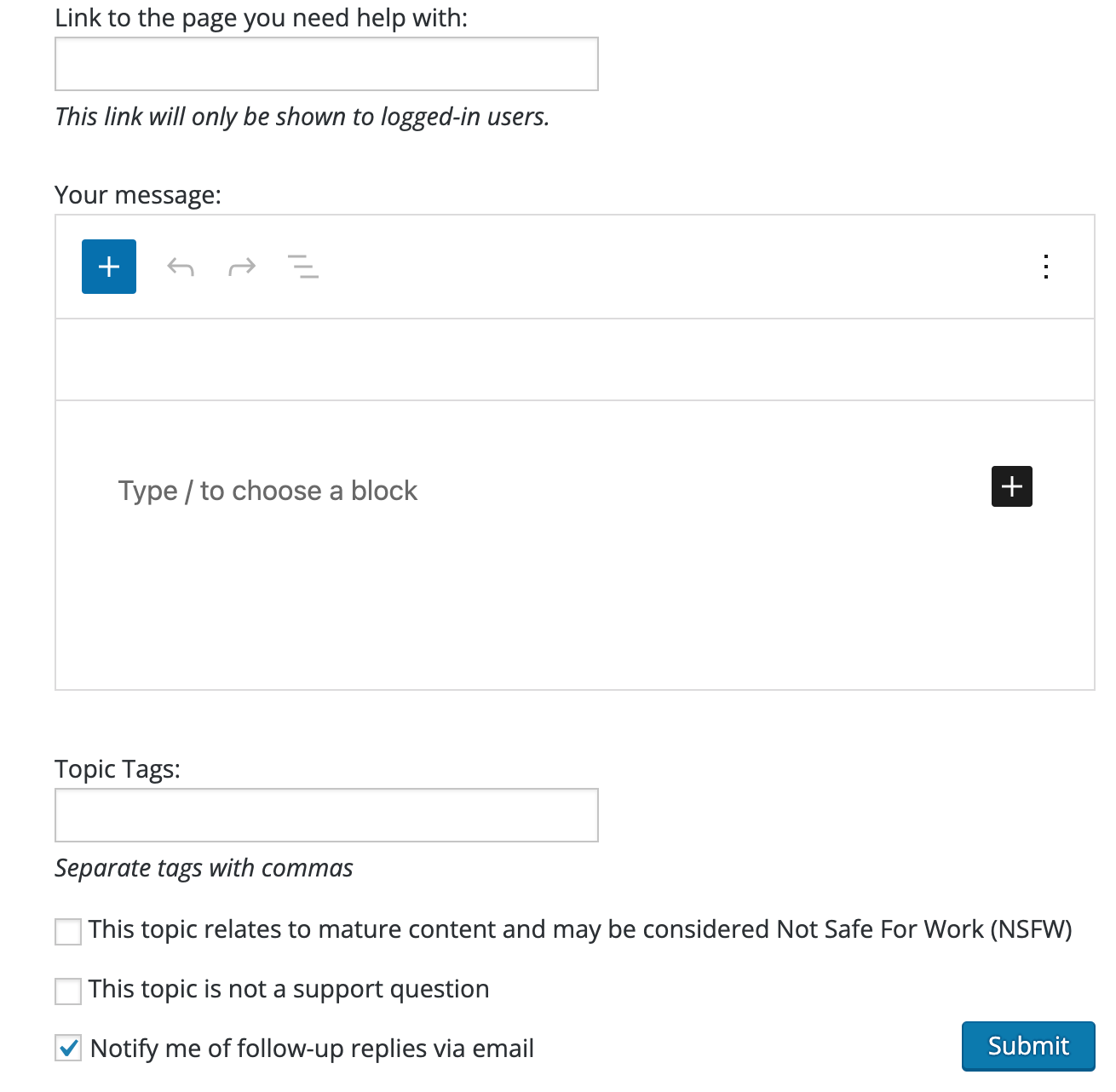
Article on the subject via WPTavern. And that’s a great occasion to use the Image compare block: it comes with the Jetpack plugin. Apart from the big blue button, there isn’t much difference between the two. There is a little white space between the buttons an the editor canvas… Not sure if that can be controlled, though. For some people will take a moment or two to get accustomed to the new white box, with out being distracted by the block editor toolbar. Some people might even find that is…
-
Accessibility aspects on using Code Block
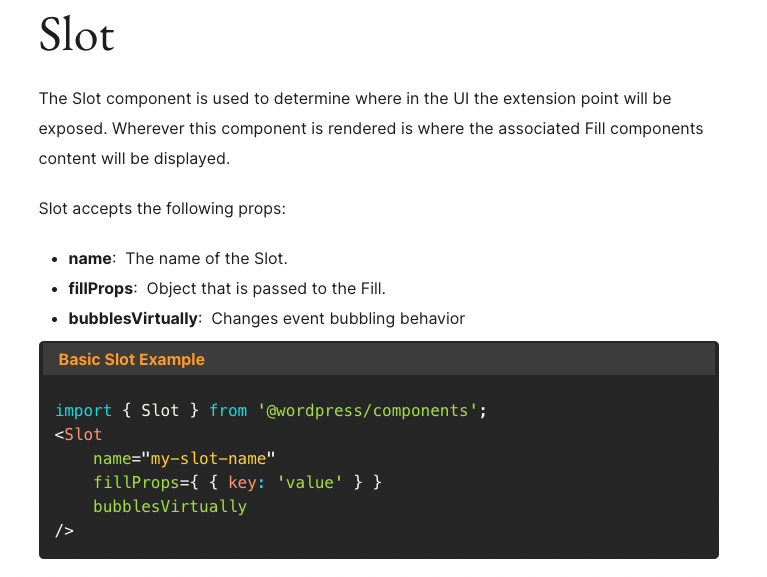
A team of contributors is working on the editorial group for the Developer Blog and were wondering about accessibility aspects for code blocks in general and about the code block title attribute specifically. Last Friday, I used the open floor part of the meeting to get some input. Table of Contents Problem illustration The code block has a setting in the sidebar for a title (here: Basic Slot Example) The title (here: Basic Slot Example) is displayed on top of the code block on the frontend. Question: Does adding a…
-
Next on Gutenberg Phase 2

This is the list from the updated GitHub issue a bit more organized: All updates are collected from various sources, mainly GitHub. Editor (1 of 11) Also: Site Editor & Templates Roadmap Blocks (2 of 5) Tools (2 of 3) Design Tools Overview #33447 Patterns (2 of 6) Building with Patterns #38529 Styles (7) Global Styles Ongoing Roadmap #41232 Themes And then there is this list: Block Themes tracking issue Templates (3)
-
Connect WP Slack to GitHub Repo
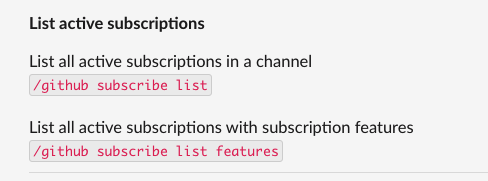
For the WordPress Developer Blog, which is about to go live next month, I needed to have the GitHub repo where we discuss future content for the blog to have issues posted to the Slack channel. Reading the Slack’s GitHub Integration documentation was enough. I seemed to have proper privileges as I typed the subscribe command into the slack box /github subscribe wordpress/developer-blog-content Then I was asked to verify my identify via GitHub and enter the code. Once I entered the verification code, it displayed a success message. Ha. That…